¶ Payroll - Generate Payroll
¶ Overview
The Generate Payroll module is used to calculate and process employee salaries for a selected payroll policy and payroll period. The system automatically calculates earnings, deductions, attendance impacts, leave deductions, permission deductions, overtime, and net payable salary based on the configured payroll policy.Payroll must be generated and finalized before employees can access their payslips.
¶ Navigation
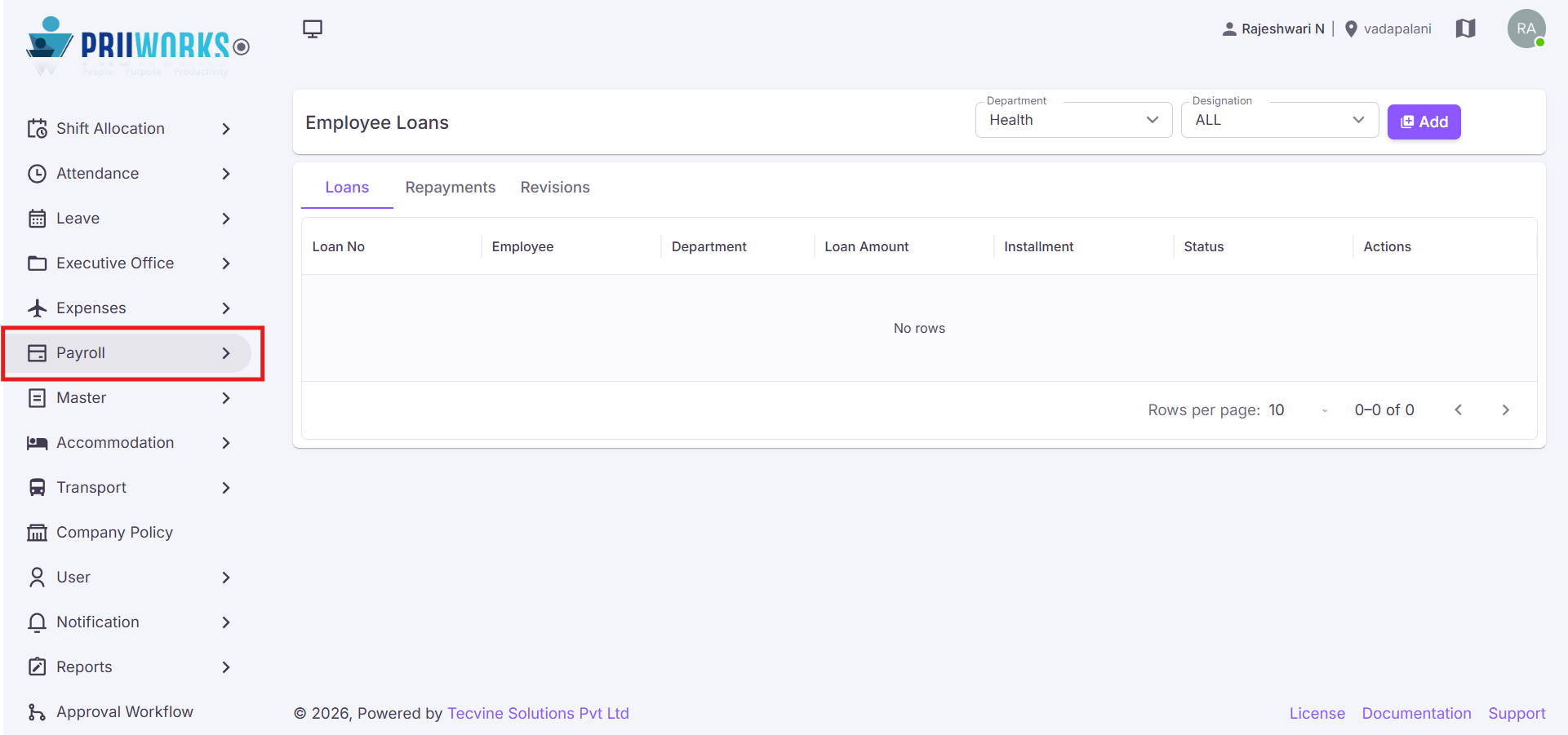
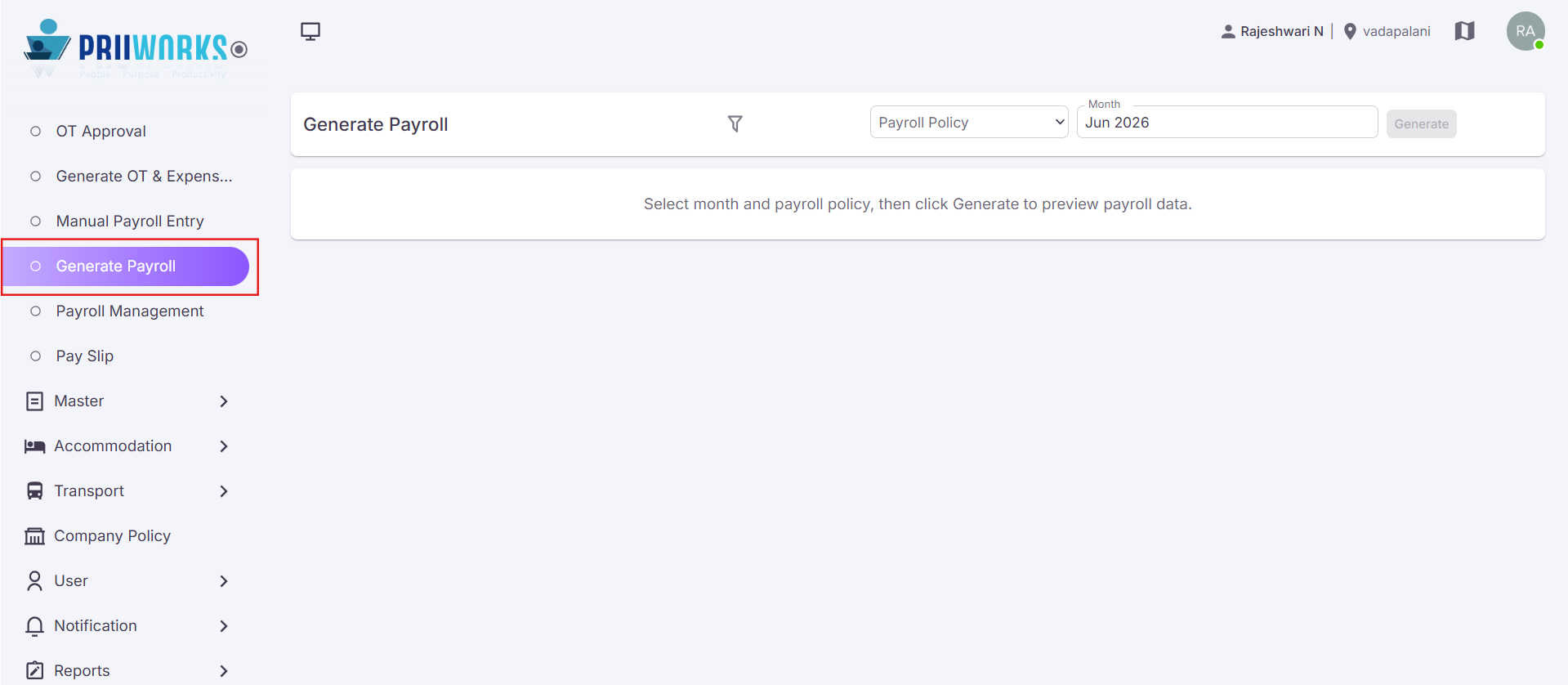
- From the left side menu, select Payroll.
- Click Generate Payroll.
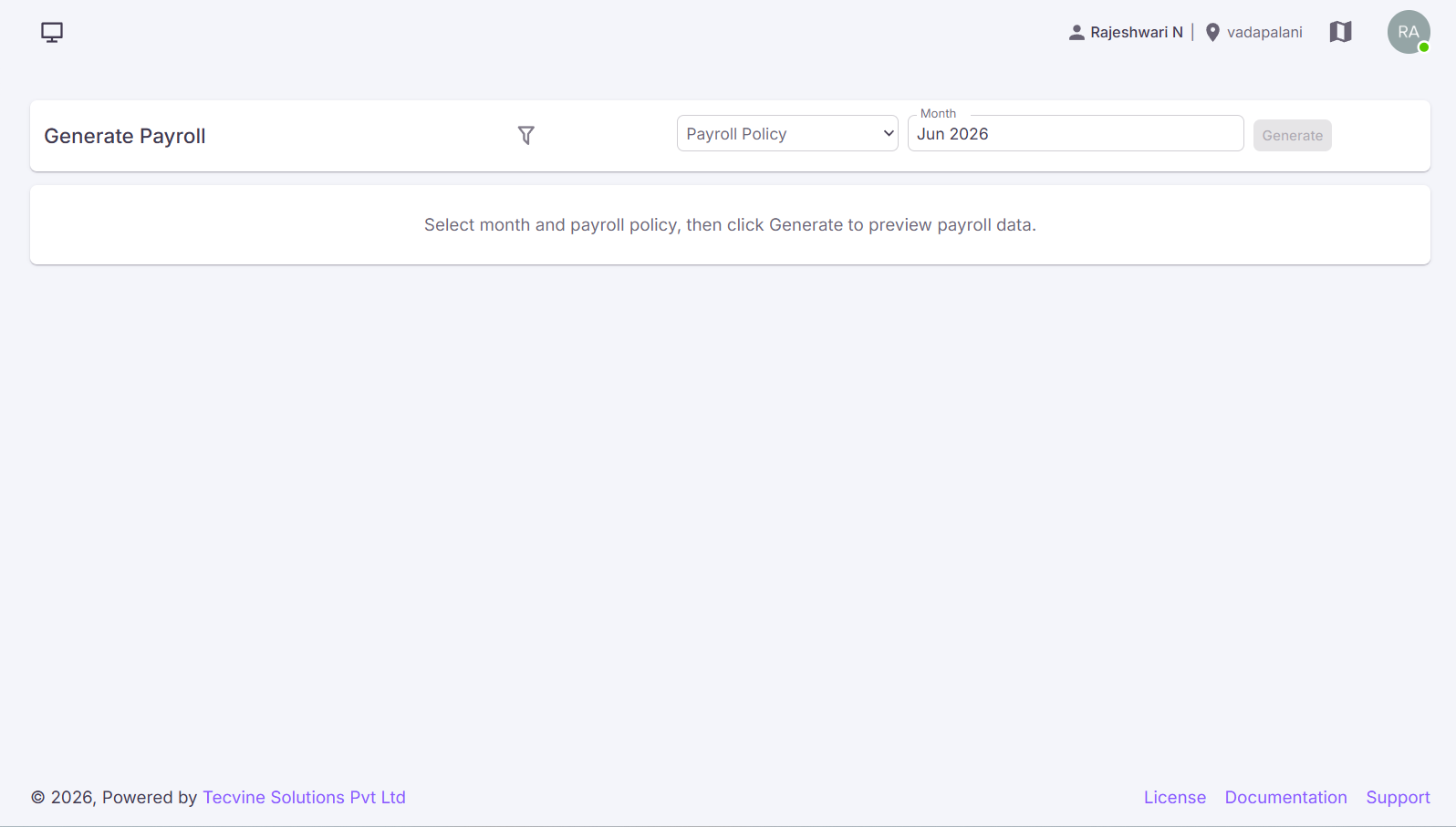
- The Generate Payroll screen will open.
¶ Generate Payroll Process
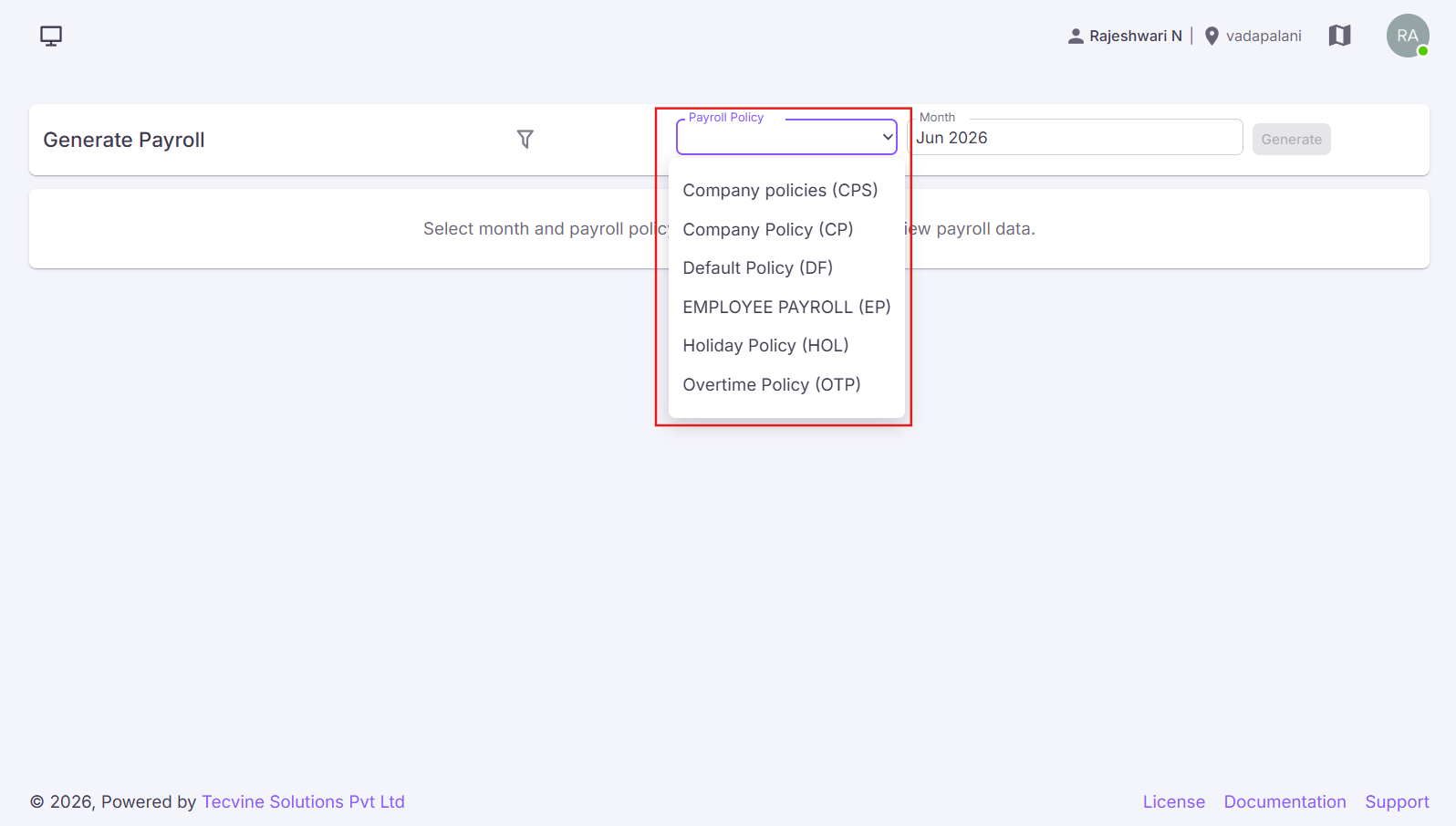
¶ Select Payroll Policy
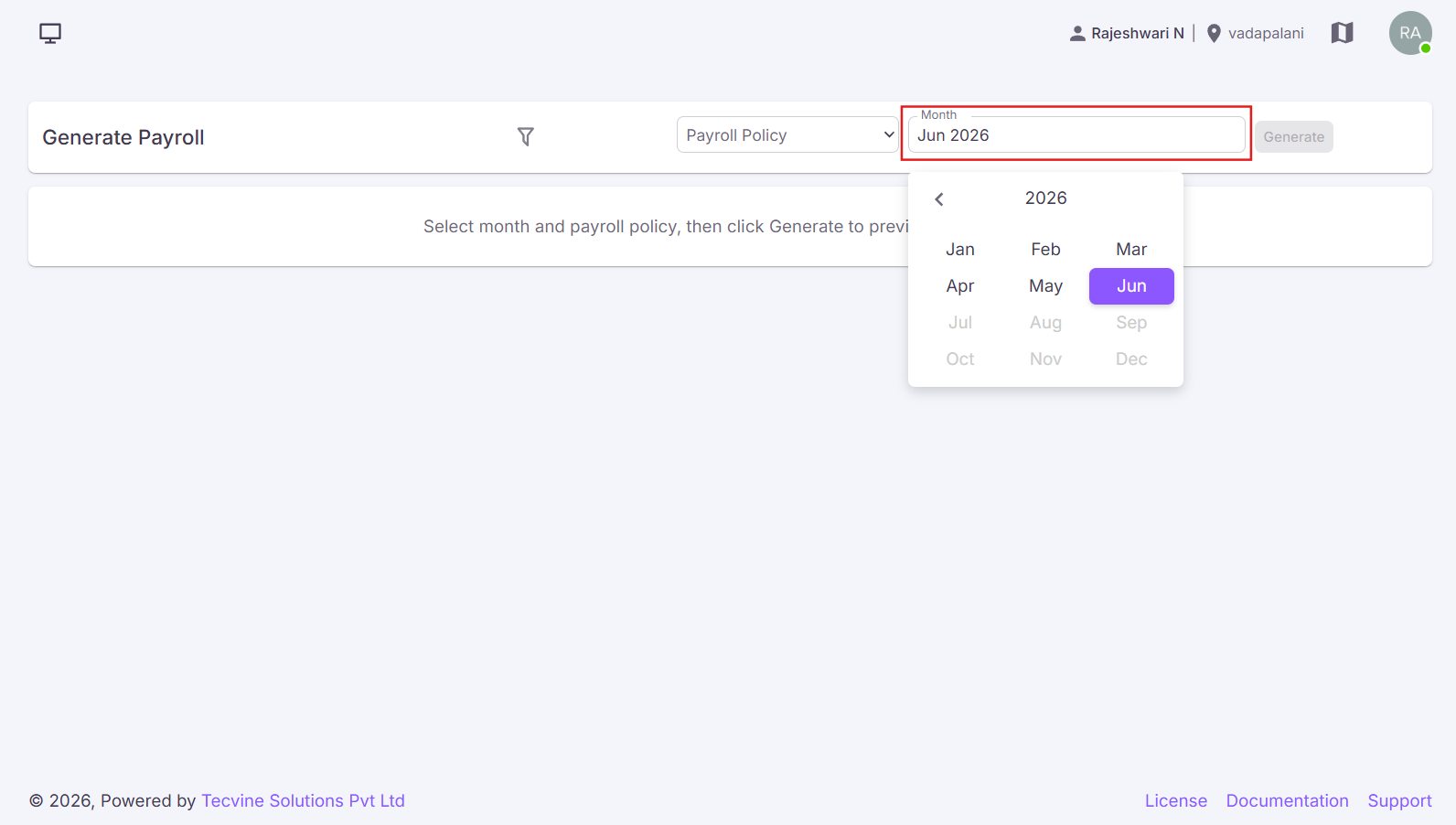
From the Payroll Policy dropdown, select the payroll policy for which salary should be processed.
¶ Generate Payroll
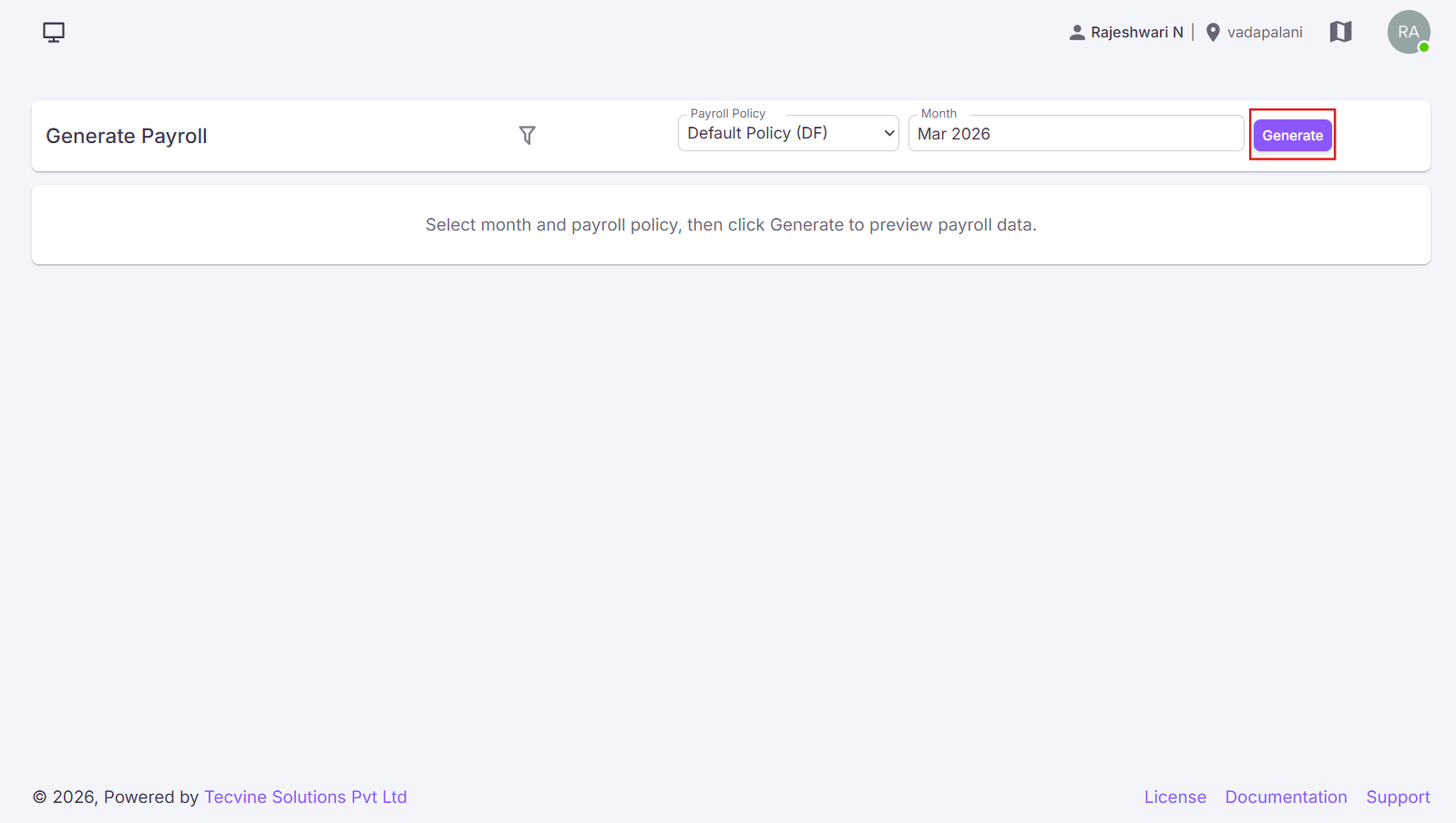
- After selecting the payroll policy and month, click the Generate button.
- It will calculate payroll for all employees assigned to the selected payroll policy.
- Employee payroll details will be displayed in the generate payroll list.
¶ Employee Payroll Information
The generated payroll displays the following information:
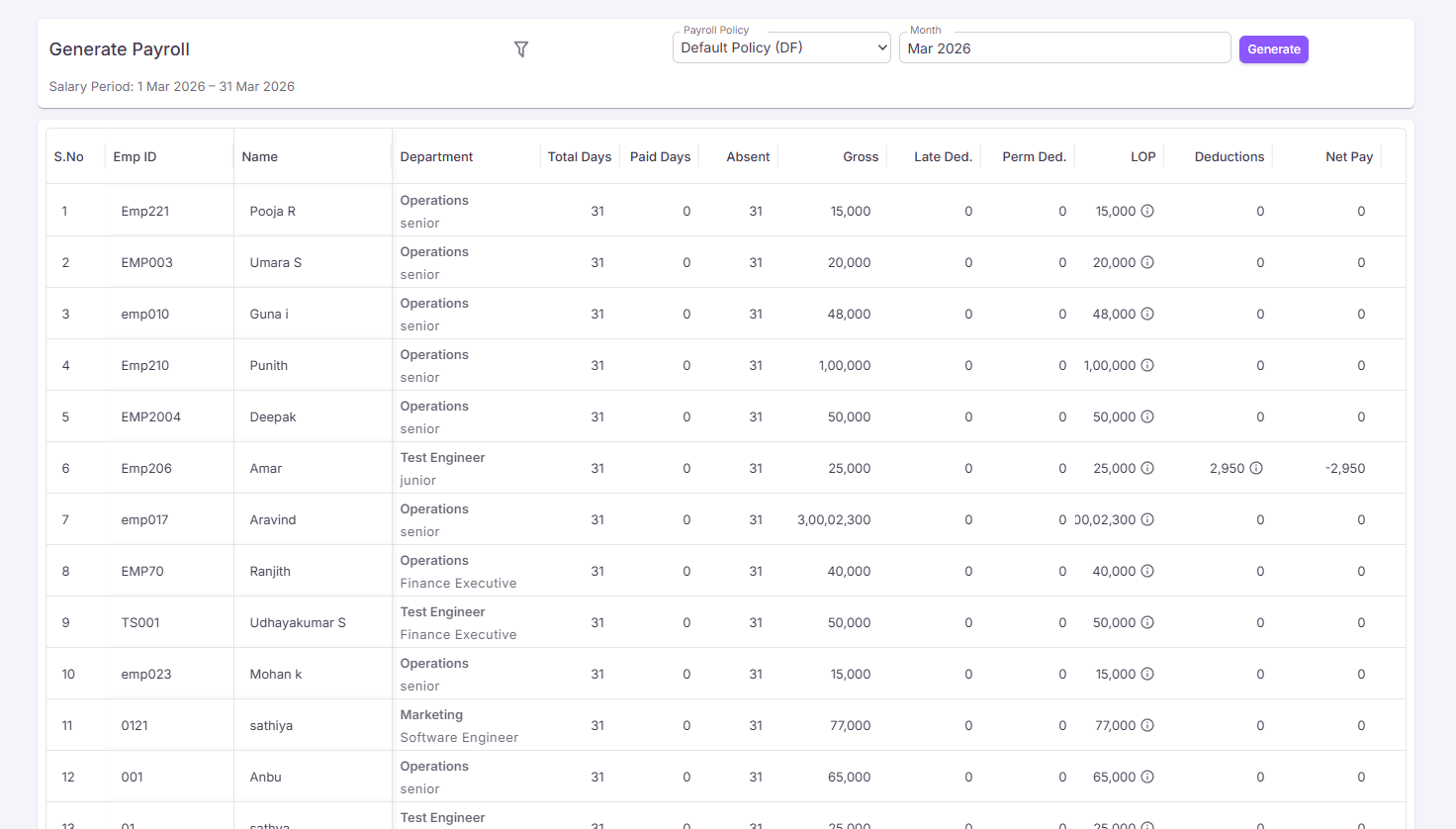
- S.No – Displays the employee sequence number.
- Emp ID – Displays the employee identification number. Examples: 11424, 10038.
- Name – Displays the employee name.
- Total Days – Displays the total calendar days in the payroll period. Example: 31
- Paid Days – Displays the number of days considered for salary payment. Example: 29
- Absent – Displays the total absent days. Example: 2
- Gross – Displays the employee's gross salary. Examples: ₹12,000, ₹90,000.
- Late Ded. – Displays deductions applied due to late attendance violations.
- Perm Ded. – Displays deductions applied due to permission policy violations.
- LOP – Displays Loss of Pay deductions calculated based on absent days, attendance shortage, and leave policy violations. Examples: ₹774.19, ₹5,806.45.
- Deductions – Displays total payroll deductions, including PF, ESI, PT, LOP, Loan Recovery, and other deductions. Examples: ₹1,931.29, ₹1,800.00.
- Net Pay – Displays the final payable salary after all deductions. Examples: ₹9,294.52, ₹82,393.55.
¶ Payroll Calculation Components
The system automatically calculates:
¶ Attendance
- Present Days
- Absent Days
- Paid Days
- Loss of Pay
¶ Earnings
- Basic Salary
- HRA
- DA
- Special Allowance
- Overtime
- Expenses
- Additional Earnings
¶ Deductions
- Provident Fund (PF)
- Employee State Insurance (ESI)
- Professional Tax (PT)
- Loan Recovery
- Permission Deductions
- Late Arrival Deductions
- Loss of Pay (LOP)
¶ View Payroll Details
Information icons available under the deduction columns can be used to view detailed payroll calculation information for individual employees.
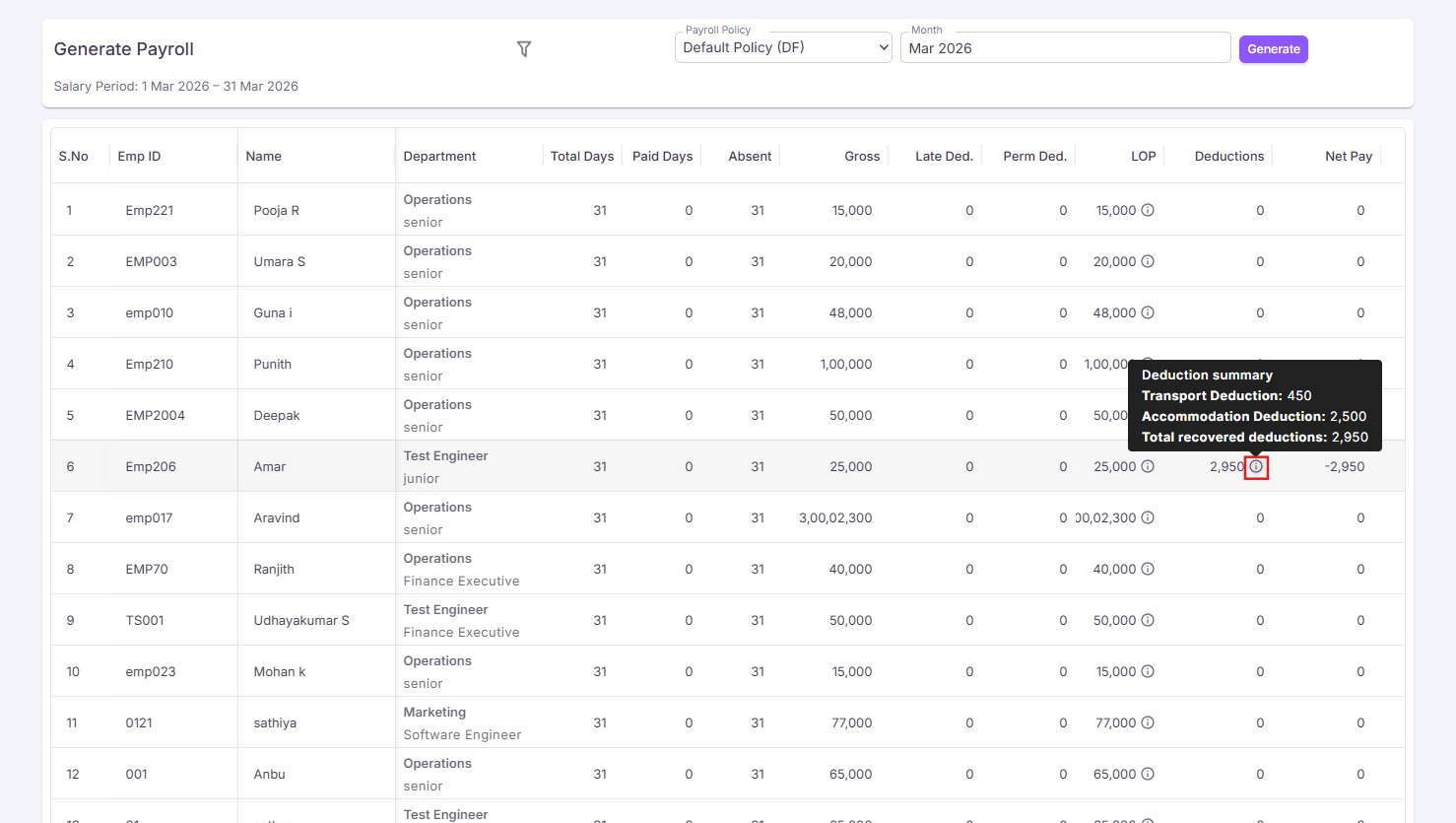
Users can verify:
- Salary calculations
- Attendance deductions
- Leave deductions
- Statutory deductions
- Net salary calculations
¶ Finalize Payroll
After reviewing payroll calculations:
- Verify all employee salary calculations.
- Review deductions and net payable amounts.
- Click the Finalize Payroll button.
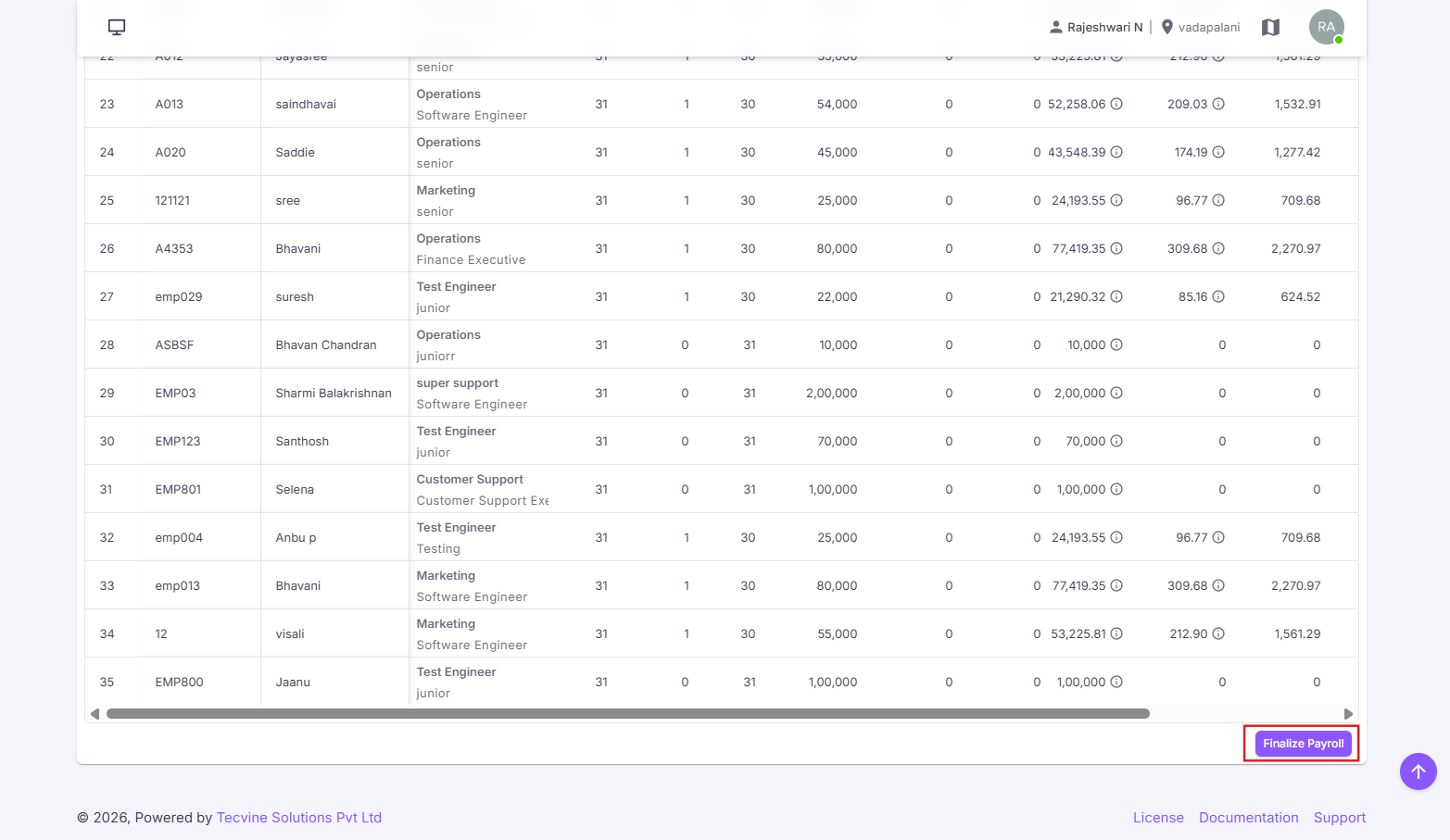
Once finalized:
- Payroll processing is completed.
- Payroll records are locked for the selected month.
- Employee payslips become available.
- Salary reports can be generated.
- Payroll data becomes available for payroll management and reporting.
¶ Access Permission
Only users with Generate Payroll permission can:
- Generate payroll
- View payroll calculations
- Export payroll reports
- Finalize payroll
¶ Video Tutorial
Watch this step-by-step video guide to learn how to create a visit in the system.
Important Notes:
- Payroll should be generated only after attendance, leave, OT, expenses, and loan recovery data have been finalized.
- Finalized payroll records are used for payslip generation and salary reporting.
- Payroll calculations follow the rules defined in the selected Payroll Policy.
- Once payroll is finalized, modifications may require payroll reopening or regeneration, depending on organizational permissions.